
Who Changed That Record? One of My Favorite New Features in Business Central v28

Kim DallefeldMicrosoft MVP | Business Central SME Microsoft MVP | Business Central SME One of my favorite “small but mighty” features in Business Central v28 is the new record creator and modifier avatars. I have to admit, the first time I saw avatars in Business Central, I smiled. Here’s a scenario: You’re reviewing a customer, […]
Business Central Financial Reporting 2026 Wave 1: Automating Recurring Reports
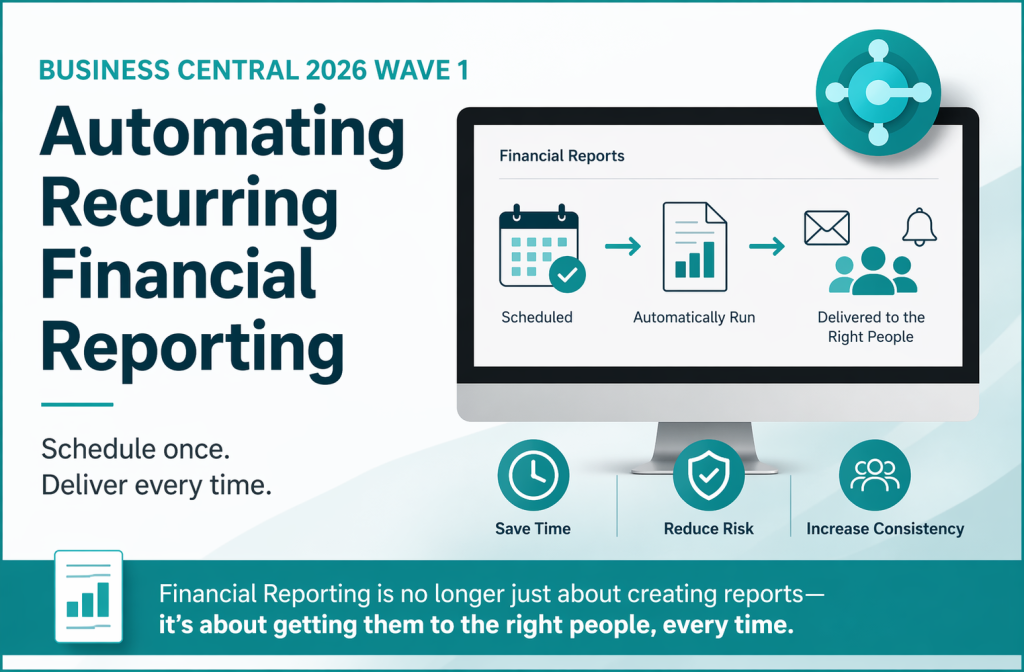
Scheduling and Distribution Author: Kim Dallefeld, MVP, MCT, MCP For many organizations, Financial Reporting doesn’t stop when the report is created. The real work begins when the report needs to be run, exported, and delivered—on time, every time. In many Business Central environments, this process is still manual: It works… but it depends on someone […]
Business Central Financial Reporting 2026 Wave 1: Control & Governance
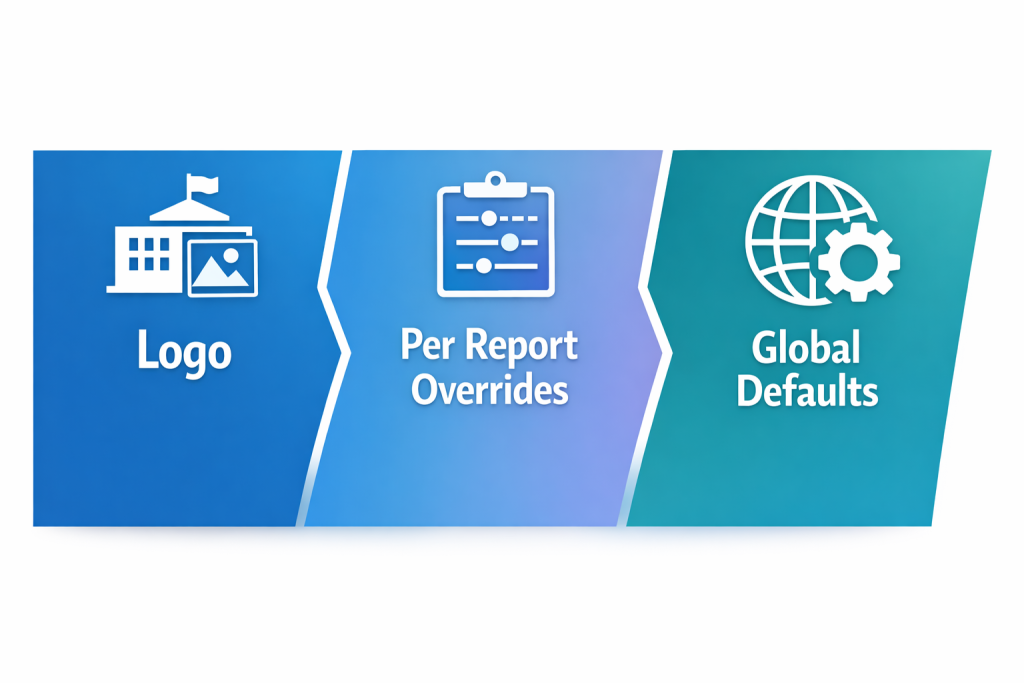
Author Control Without Breaking Governance Logo, Per-Report Overrides, and Global Defaults Author: Kim Dallefeld, MVP, MCT, MCP How many financial reports exist in your Business Central environment today? If you’re like most organizations, the answer is… more than there should be. Generally, the reason is Not because reporting is broken—but because users are trying to […]
Business Central Financial Reporting 2026 Wave 1: Find the Right Report
How to Find (and Trust) the Right Financial Report Author: Kim Dallefeld, MCVP, MCT, MCP If you’ve ever heard (or said), “We have five different Income Statements—no one knows which one is correct,” you’re not alone!In many Business Central environments, the issue isn’t building Financial Reports. The issue is what happens after they exist: reports […]
Financial Reporting Enhancements in Business Central 2026 Release Wave 1: What’s New and Why it Matters!

Kim Dallefeld, MVP Microsoft didn’t introduce a brand-new reporting engine in Business Central 2026 Release Wave 1—but they removed friction almost everywhere it matters. This release focuses on making Financial Reporting easier to find, easier to trust, and easier to manage across teams. If you’ve ever struggled with duplicate reports, inconsistent outputs, or the manual […]
Changing Posting Dates Every Month in Business Central….

Kim Dallefeld, MVP You know you need to set your Allow Posting From and Allow Posting To in General Ledger Setup the first day of the month. But it’s easy to forget and then what happens? Users either cannot post or they don’t notice that they are posting to the wrong date. To get around […]
Financial Reporting Heroes – #10 Financial Reports v28
Kim Dallefeld, MVP, MCT, MCP
Financial Reporting Heroes – #9 Financial Report Templates
Kim Dallefeld, MVP, MCT, MCP
Financial Reporting Heroes #8 – Financial Report Overview
Kim Dallefeld, MVP, MCT, MCP
A Business Central Consultant’s Copilot Journey

Step 6 – Analysis Views with Copilot Author: Kim Dallefeld, MVP, MCT, MCP I’m a big fan of Analyze Mode and admittedly not very good at developing views. My best suggestion is just keep trying and use the Business Central Documentation which gives you good examples to work you through so you can learn faster. […]