
Where Did My Debits and Credits Go?
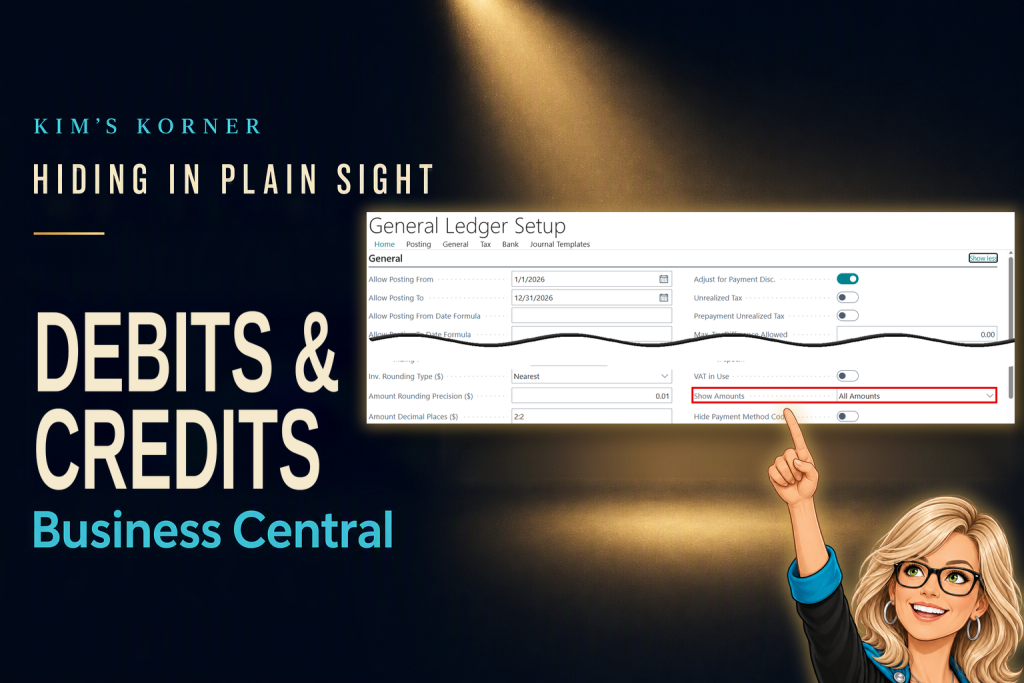
Kim’s Korner: Hiding in Plain Sight If you came to Business Central from a desktop accounting package, a spreadsheet-based close, or simply years of training in T-accounts, you probably noticed something odd the first time you opened General Ledger Entries. There is one column called Amount. Positive numbers are debits, negative numbers are credits, and […]
Follow the Money: Find Entries Is the Accountant’s Best Friend
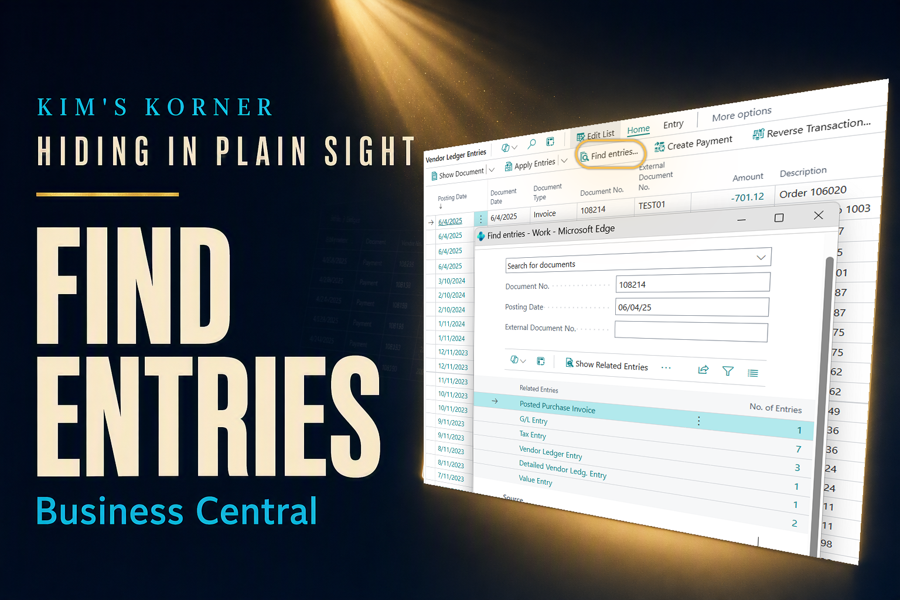
Kim’s Korner · Hiding in Plain Sight, Article 2 of 7 | By Kim Dallefeld, Microsoft MVP An auditor emails with a simple-sounding request. Show me everything connected to this invoice. What follows is a scavenger hunt that most accountants know by heart. Open the posted invoice. Note the document number. Go to the customer […]
Stop Rebuilding That Filter: Saved Views Are Waiting on the Left
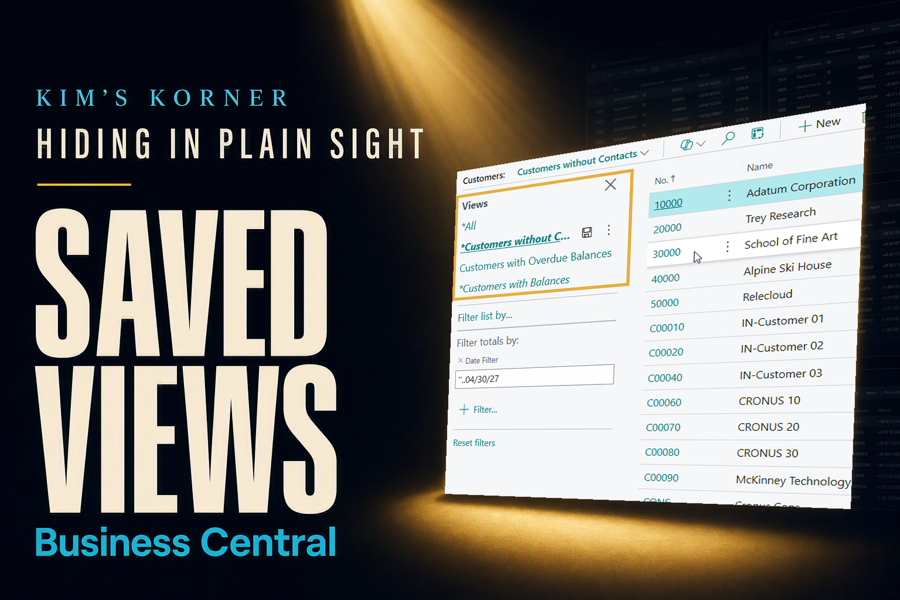
Kim’s Korner · Hiding in Plain Sight, Article 3 of 7 | By Kim Dallefeld, Microsoft MVP Every Monday morning, somewhere in your organization, someone opens a list page and applies the same four filters they applied last Monday. Open the list. Filter to the responsibility center. Filter out the closed entries. Set the balance […]
Stop Exporting to Excel: Analyze Business Central Data in Seconds

Hiding in Plain Sight, Article 1 of 7 | By Kim Dallefeld, Microsoft MVP A manager stops by your desk with a question. How much did we buy from each vendor last quarter? Which customers are carrying the largest balances? What did each salesperson actually close? If you have worked in Business Central for any […]
Who Changed That Record? One of My Favorite New Features in Business Central v28

Kim DallefeldMicrosoft MVP | Business Central SME Microsoft MVP | Business Central SME One of my favorite “small but mighty” features in Business Central v28 is the new record creator and modifier avatars. I have to admit, the first time I saw avatars in Business Central, I smiled. Here’s a scenario: You’re reviewing a customer, […]
Business Central Financial Reporting 2026 Wave 1: Automating Recurring Reports
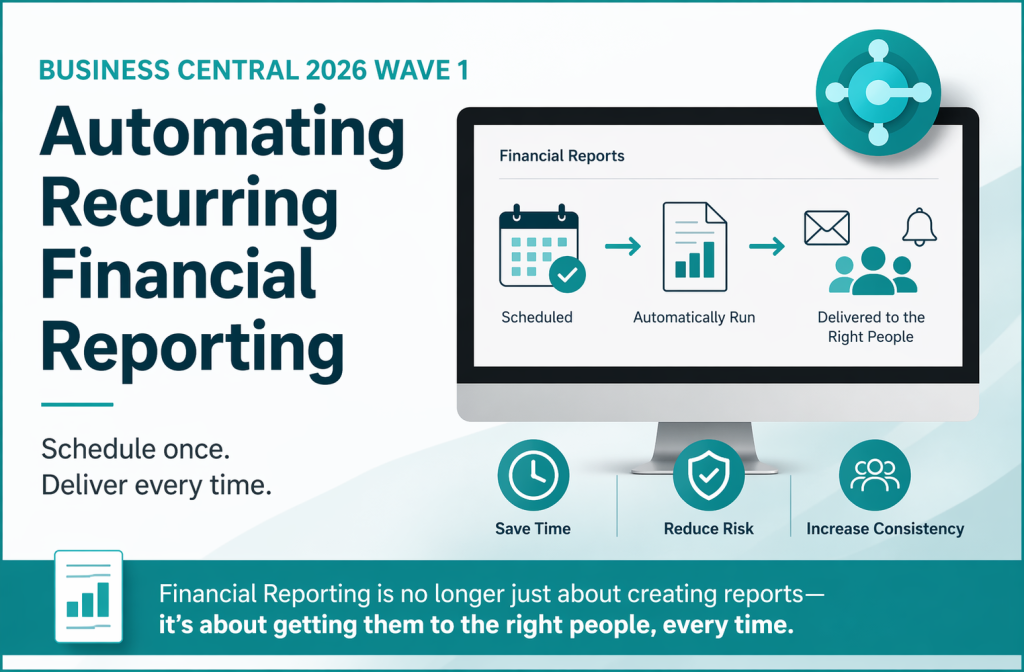
Scheduling and Distribution Author: Kim Dallefeld, MVP, MCT, MCP For many organizations, Financial Reporting doesn’t stop when the report is created. The real work begins when the report needs to be run, exported, and delivered—on time, every time. In many Business Central environments, this process is still manual: It works… but it depends on someone […]
Business Central Financial Reporting 2026 Wave 1: Control & Governance
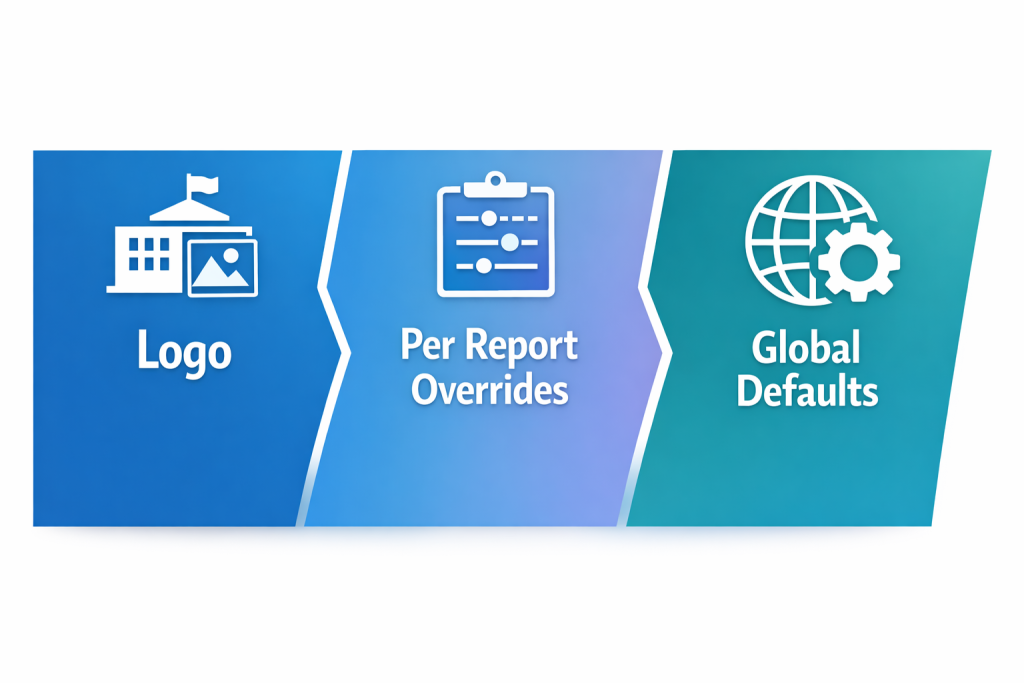
Author Control Without Breaking Governance Logo, Per-Report Overrides, and Global Defaults Author: Kim Dallefeld, MVP, MCT, MCP How many financial reports exist in your Business Central environment today? If you’re like most organizations, the answer is… more than there should be. Generally, the reason is Not because reporting is broken—but because users are trying to […]
Business Central Financial Reporting 2026 Wave 1: Find the Right Report

How to Find (and Trust) the Right Financial Report Author: Kim Dallefeld, MCVP, MCT, MCP If you’ve ever heard (or said), “We have five different Income Statements—no one knows which one is correct,” you’re not alone!In many Business Central environments, the issue isn’t building Financial Reports. The issue is what happens after they exist: reports […]
Financial Reporting Enhancements in Business Central 2026 Release Wave 1: What’s New and Why it Matters!

Kim Dallefeld, MVP Microsoft didn’t introduce a brand-new reporting engine in Business Central 2026 Release Wave 1—but they removed friction almost everywhere it matters. This release focuses on making Financial Reporting easier to find, easier to trust, and easier to manage across teams. If you’ve ever struggled with duplicate reports, inconsistent outputs, or the manual […]
Changing Posting Dates Every Month in Business Central….

Kim Dallefeld, MVP You know you need to set your Allow Posting From and Allow Posting To in General Ledger Setup the first day of the month. But it’s easy to forget and then what happens? Users either cannot post or they don’t notice that they are posting to the wrong date. To get around […]